Model training platform
A training workspace for computer vision teams. Keep source material, labels, dataset versions, training jobs and model artifacts together by project.
- 01Collect samples
- 02Review labels
- 03Release a dataset
- 04Train a model
- 05Evaluate results
Start with a project
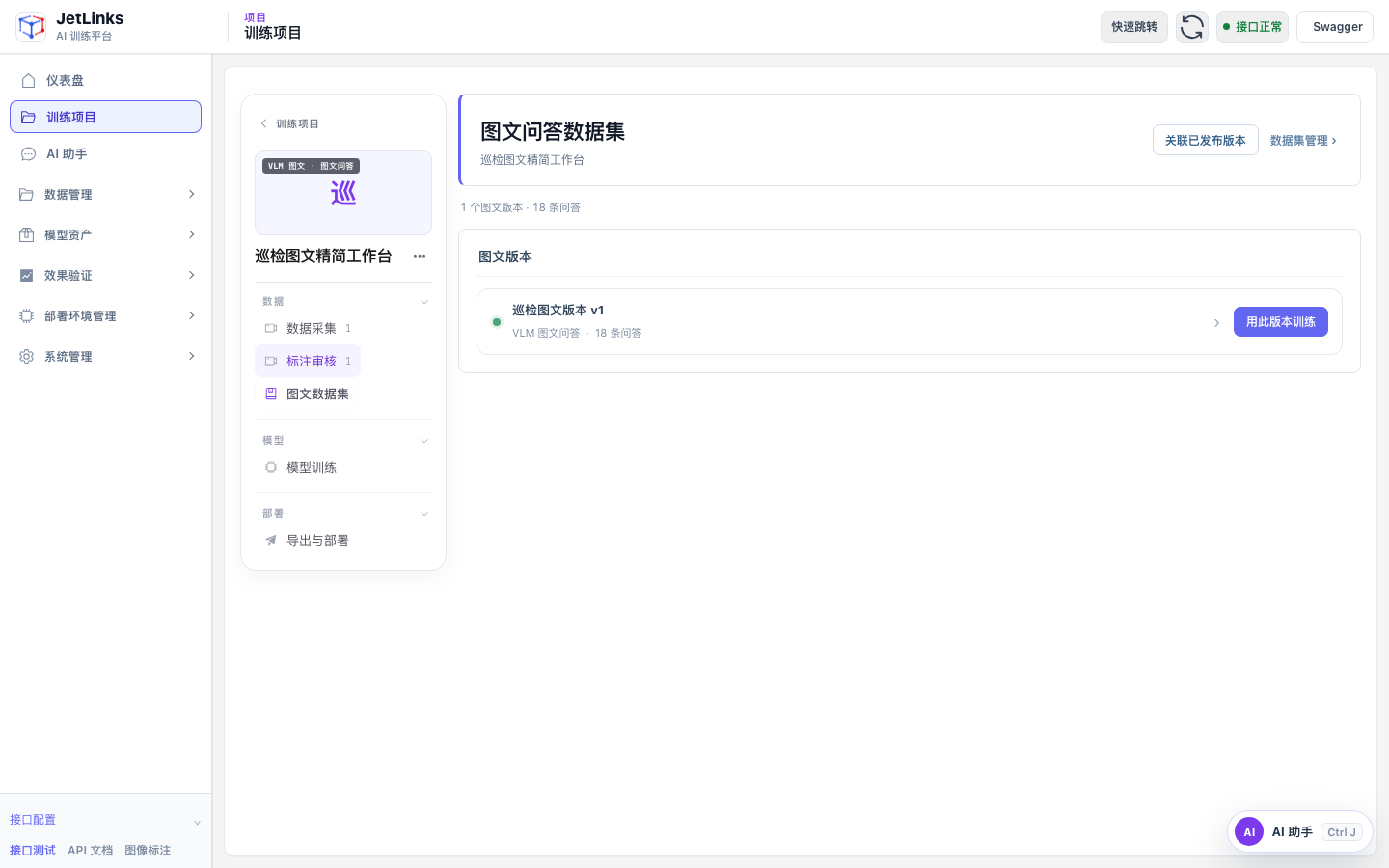
Choose object detection or visual Q&A, then add your source material. Import images or sample frames from video files and live streams. Existing data can also be reused.
Review the labels
For detection, inspect images and edit boxes and classes. For visual Q&A, check the scene, questions and model judgments, then correct or confirm each item. AI labels remain proposals until human review.
Train on a known version
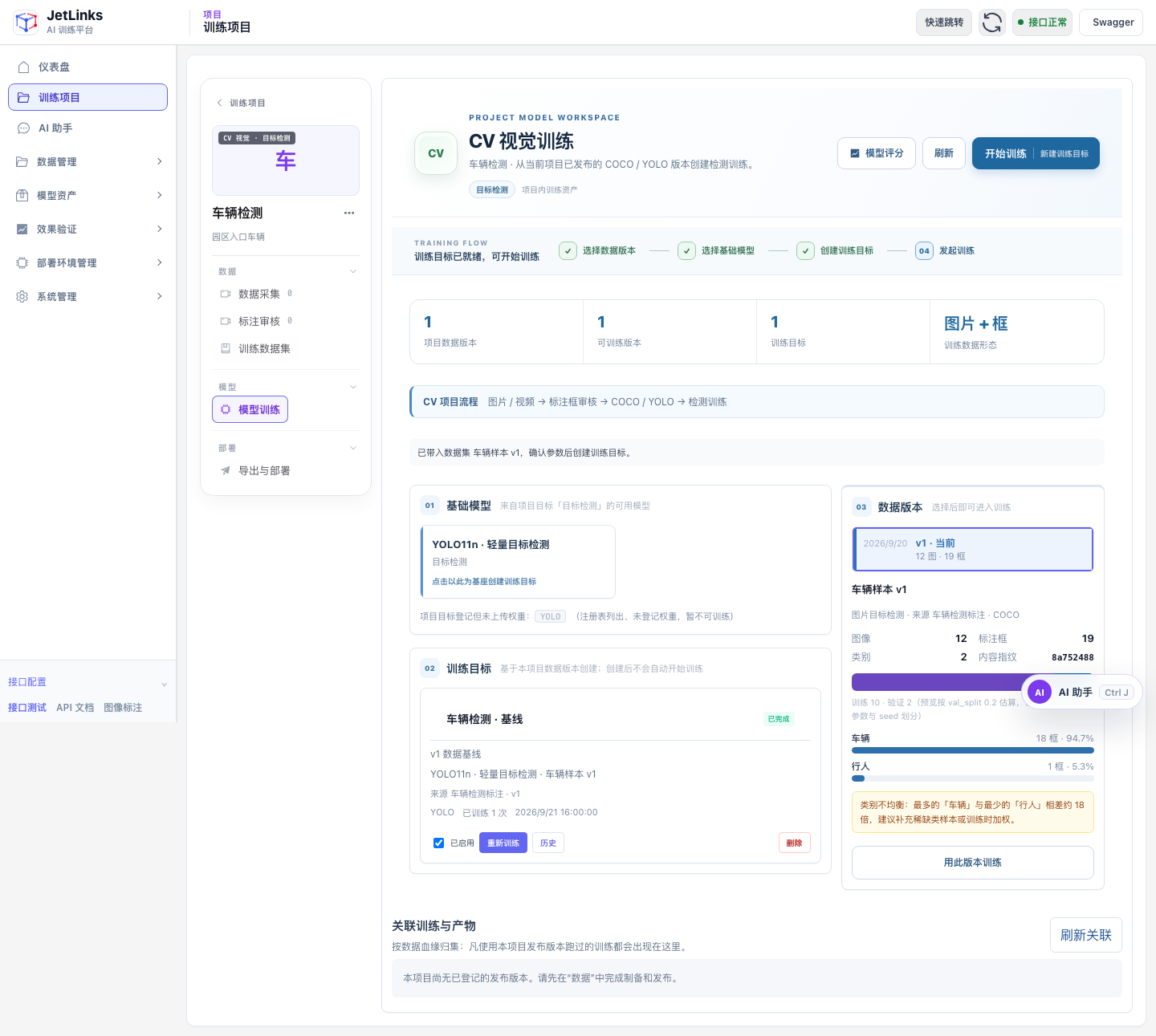
Publish reviewed samples as a dataset version. Choose the version and base model, set training parameters and submit a job. Detection projects train detection models; visual Q&A projects fine-tune vision-language models.
Inspect the results
View job status, model artifacts and evaluation records within the project. Compare base and fine-tuned responses on specific samples before deciding whether to adjust the data or training parameters.
Assistant and sample generation
The assistant queries tasks and prepares operation parameters for confirmation. A reference image and prompt can generate additional images, which then go through labeling and review.